Saturn for developers: one key, apps everywhere
Create a workspace API key and Saturn plugs into your stack — build from Cursor via MCP, embed the builder in your product, or ship from a Slack command.
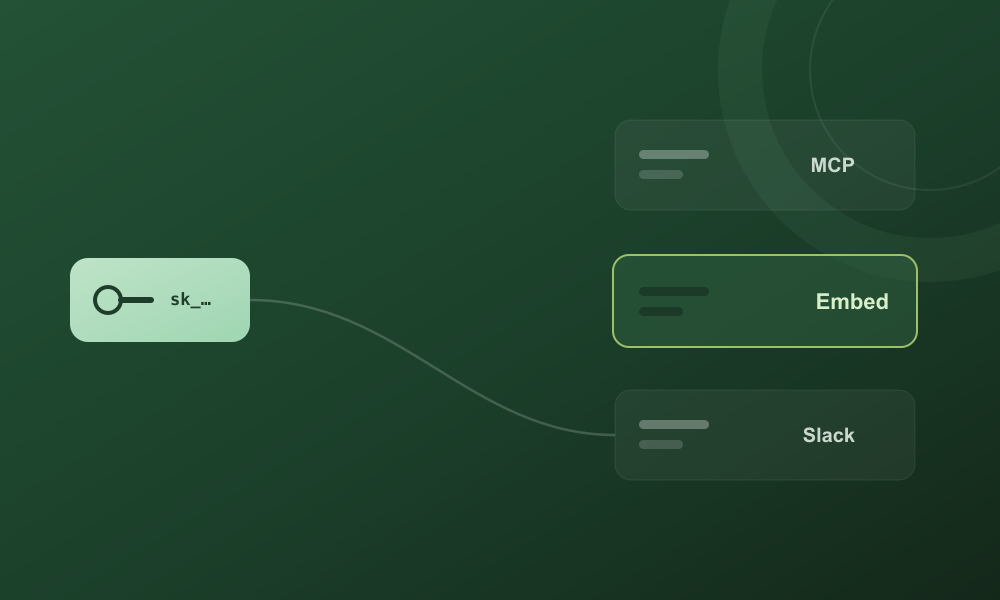
Saturn started as a place to describe an app and watch it grow. Today it's also a building block you can drop into your own tools. It all begins with one thing: a workspace API key.
Open Settings → Developers and create a key — it looks like saturn_sk_…. That single secret unlocks the REST API and two new ways to put Saturn to work.
Saturn MCP. Add Saturn to Cursor, Claude Desktop, or any MCP-aware agent and it gains tools to create_app, edit_app and deploy_app. Tell your agent “use Saturn to build a landing page with a waitlist,” and it hands you back a live preview link. It's the first AI app-builder available over the Model Context Protocol — install it with npx saturn-mcp.
Saturn Embed. Put the whole builder inside your own product with one script tag — like Stripe Checkout, but for building apps. Your users describe what they want and watch it come to life without ever leaving your site. It's white-label: your brand, your accent color, your theme, gated to your domain with a publishable key (saturn_pk_…).
And from Slack. Wire a /saturn slash command to the same key and your team can ship internal tools from a channel: “/saturn build a CRM for sales” returns a preview link minutes later.
One key, three surfaces, the same engine underneath. Whether you live in an editor, run a SaaS, or work out of Slack, Saturn meets you where you already are. Grab a key and read the docs at /docs/mcp and /docs/embed.